Enter your email address below.
5 min read...
Letting guests order from their own phone sounds like a great idea. The next question is: do you build your own ordering app, or go with something that’s already there? Building your own app feels like the obvious move, but it usually costs more time and money than you’d expect, and guests don’t always download it. Here’s what you run into, and why the Online Kiosk gets most operators to the same result faster.
Your own app, your own logo, live in the App Store and Play Store: it sounds good. Guests order straight from you, you own the channel, and you’re not paying a delivery platform to take a cut of every order.
That’s exactly why so many operators start looking into it once they want to stop retyping orders from a delivery platform’s tablet, or want guests ordering directly instead of through a middleman.
Building an ordering app isn’t a matter of calling a developer and launching a week later. A few things to weigh:
None of this is impossible, but it’s a project running alongside your restaurant, not a one-time cost.
Even a perfectly built app runs into the biggest hurdle: guests have to download it first. For a place someone visits once a month, that’s a big ask. Freeing up storage, waiting for the download, creating an account, all before a single order is placed.
Plenty of custom restaurant apps end up with a handful of regulars using them, while everyone else just orders at the counter, or doesn’t bother. It’s not that guests don’t want to order digitally, it’s the download that gets in the way.
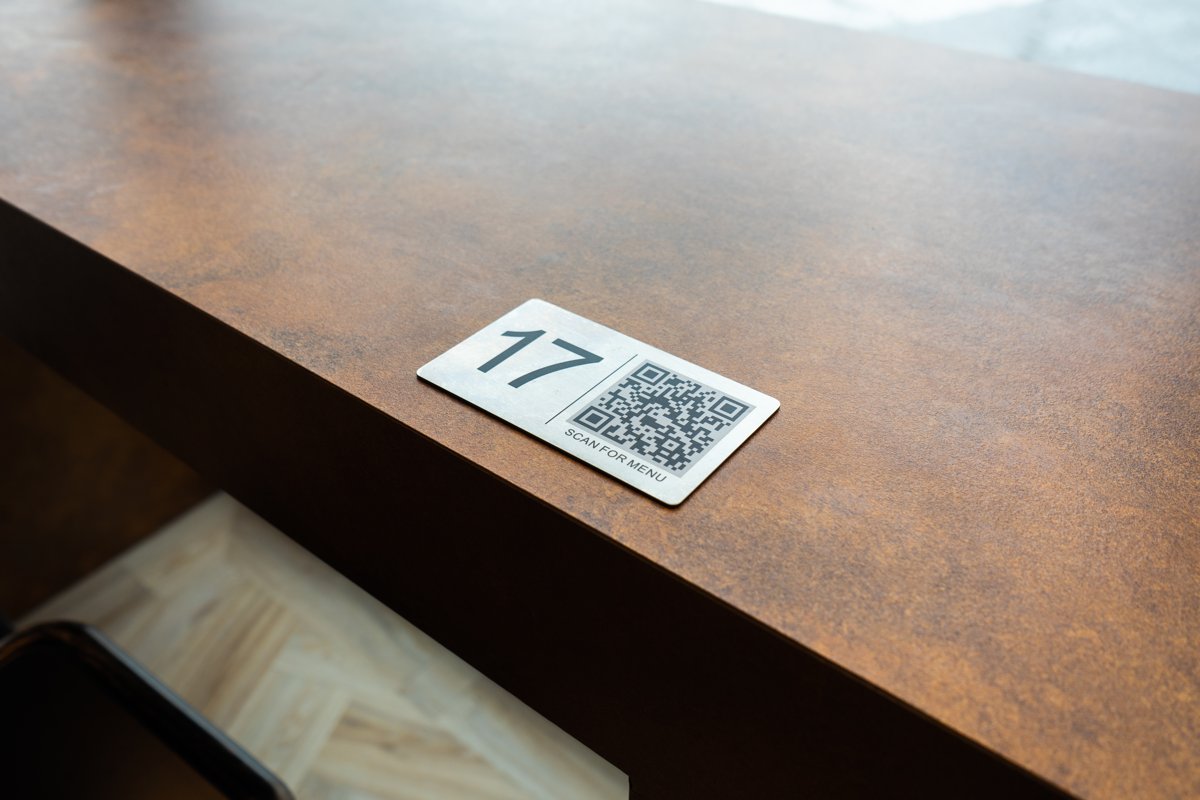
With the Online Kiosk from Onesix, guests scan a QR code (or tap their phone against an NFC tag) and order right away, no app and no account needed. Your digital menu is just there in the browser, on any device.
What that gets you:
There are no one-time software or setup fees for the Online Kiosk, and the license is cancellable monthly. Want physical QR or NFC tags on the table? Those are material costs separate from the license: source them yourself or order them through Onesix.
| Custom ordering app | Online Kiosk | |
|---|---|---|
| Time to launch | Weeks to months of building | Ready to go today |
| Download required | Yes, before the first order | No, scanning is enough |
| Maintenance | Ongoing, with every OS update | Onesix maintains the platform |
| Menu updates | Often duplicate work | One update in the Dashboard |
| Testing | Possible via a test track and payment sandbox, but you set that up separately first | 30 days, free and no obligation, straight with your own guests |
There are cases where a custom app makes sense, think large chains with their own loyalty program and a team that maintains it long-term. For most independent restaurants, that investment doesn’t pay off against what you get, especially when the actual goal is simply letting guests order quickly and without friction.
Want to see the difference for yourself first? Check out how to make your menu more appealing to guests, it works just as well on the Online Kiosk as on a printed menu.
Isn’t a custom app more personal than the Online Kiosk? Both give you your own menu and branding. The difference is the barrier: with the Online Kiosk, guests don’t need to download anything to order.
Can I use the Online Kiosk alongside a delivery platform? Yes. The Online Kiosk is for orders that come straight to you, like at the table, for pickup, or through your website, separate from what you do through delivery platforms.
Do I need to enter my menu twice? No. You manage your menu centrally in the Dashboard, and the update goes live instantly for the Online Kiosk and your other order points.
Can I try the Online Kiosk first? Yes, 30 days free and with no obligation. Not happy with it? Stop without hassle.
Instead of waiting months for your own app, you can try the Online Kiosk today. Test it for 30 days, free and with no obligation, the license is cancellable monthly, and you can always count on 24/7 support.
Not sure what fits your business? Let us know, and we’ll think it through with you.

Wouter works as a Marketing Specialist at Onesix. This news site offers relevant articles for people working in or interested in hospitality, retail, and amusement parks.