




First impression at the entrance
Your guest pulls in and instantly sees your products and deals, clearly laid out. New products and offers stand out right away.
Drive up. Order. Drive on. One ordering system from drive-up to kitchen.

From Drive-Thru to kitchen.
Your guest sees their order live.
See what Onesix does for your business.
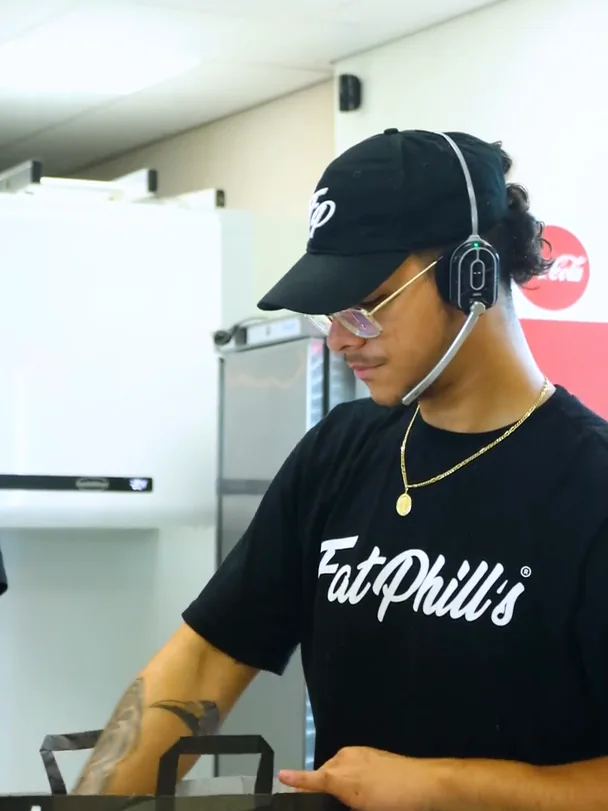
From menu and intercom to payment terminal, kitchen and counter: this is how an order runs at Fat Phill's. Your guest orders, follows along live and pays right away. Your team handles the rest in Onesix.
From drive-up to pickup in five steps. Your guests never type anything: they order via the intercom and follow along on the screen.
Your guest pulls in and instantly sees your products and deals, clearly laid out. New products and offers stand out right away.
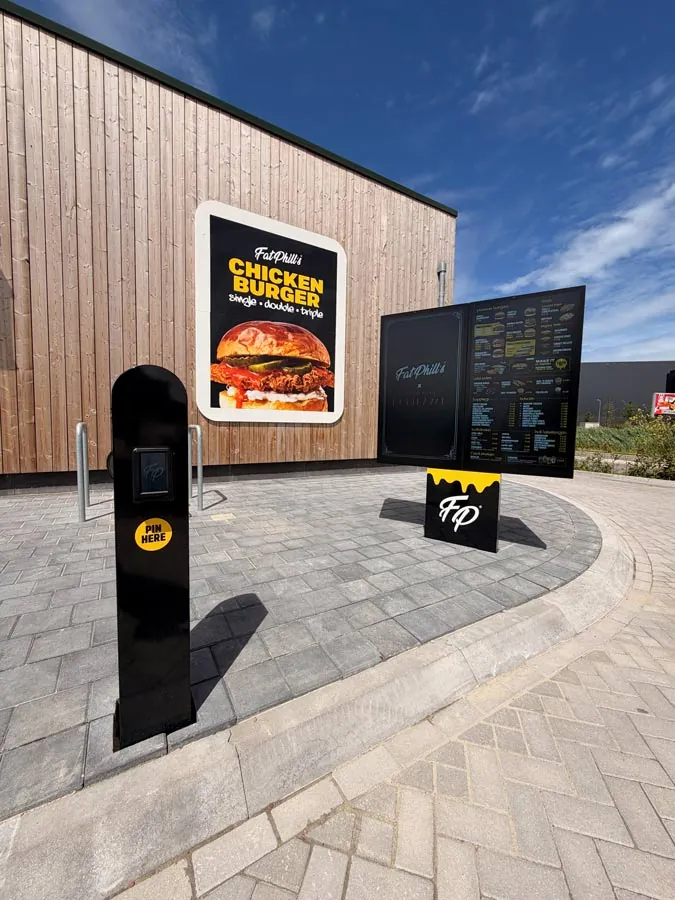
At the order point, your guest sees the menu and their order, live. No confusion, fewer mistakes.
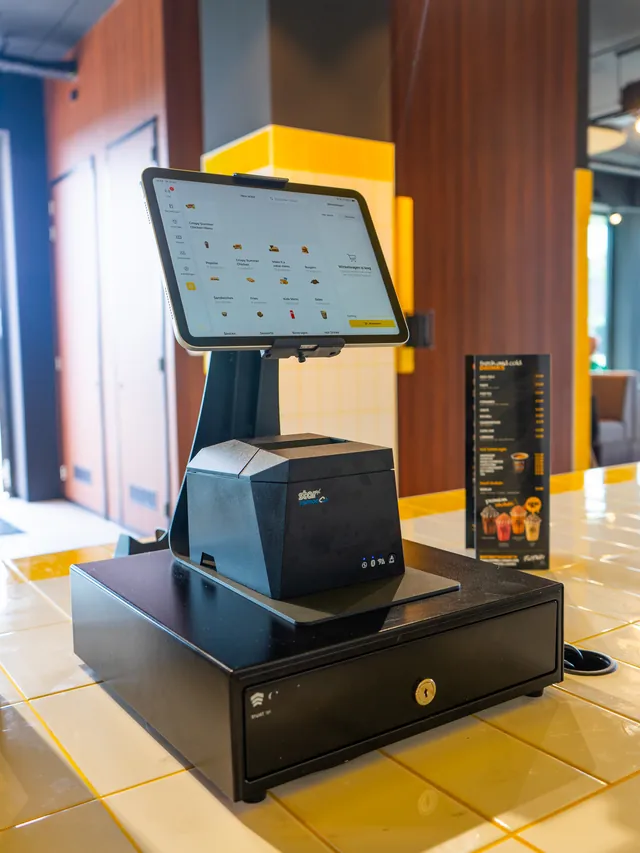
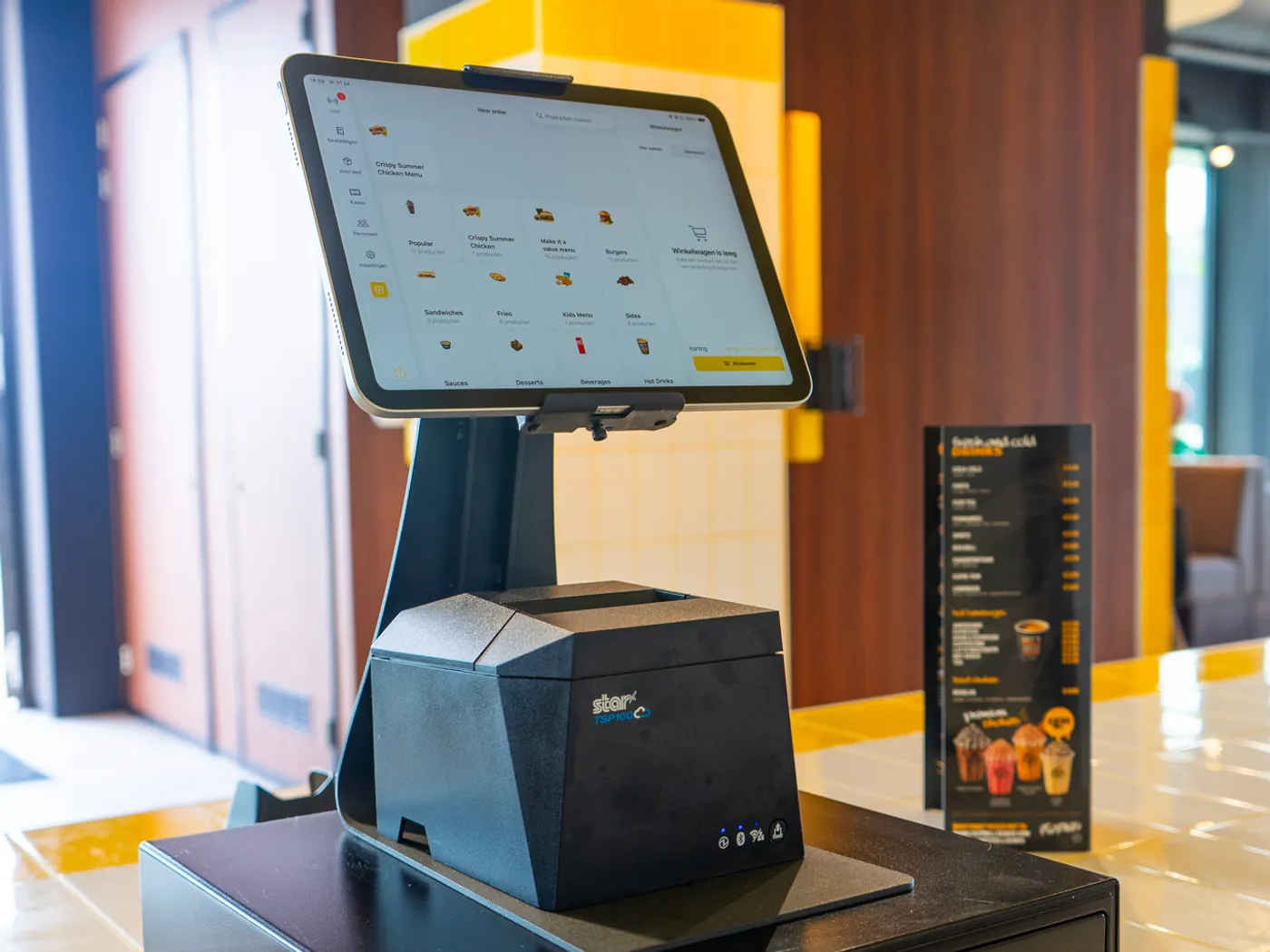
Your guests say what they want through the intercom, your team member enters it and the order appears on the screen straight away. All good? Then your guest pays by card right there, or in cash.
View POS
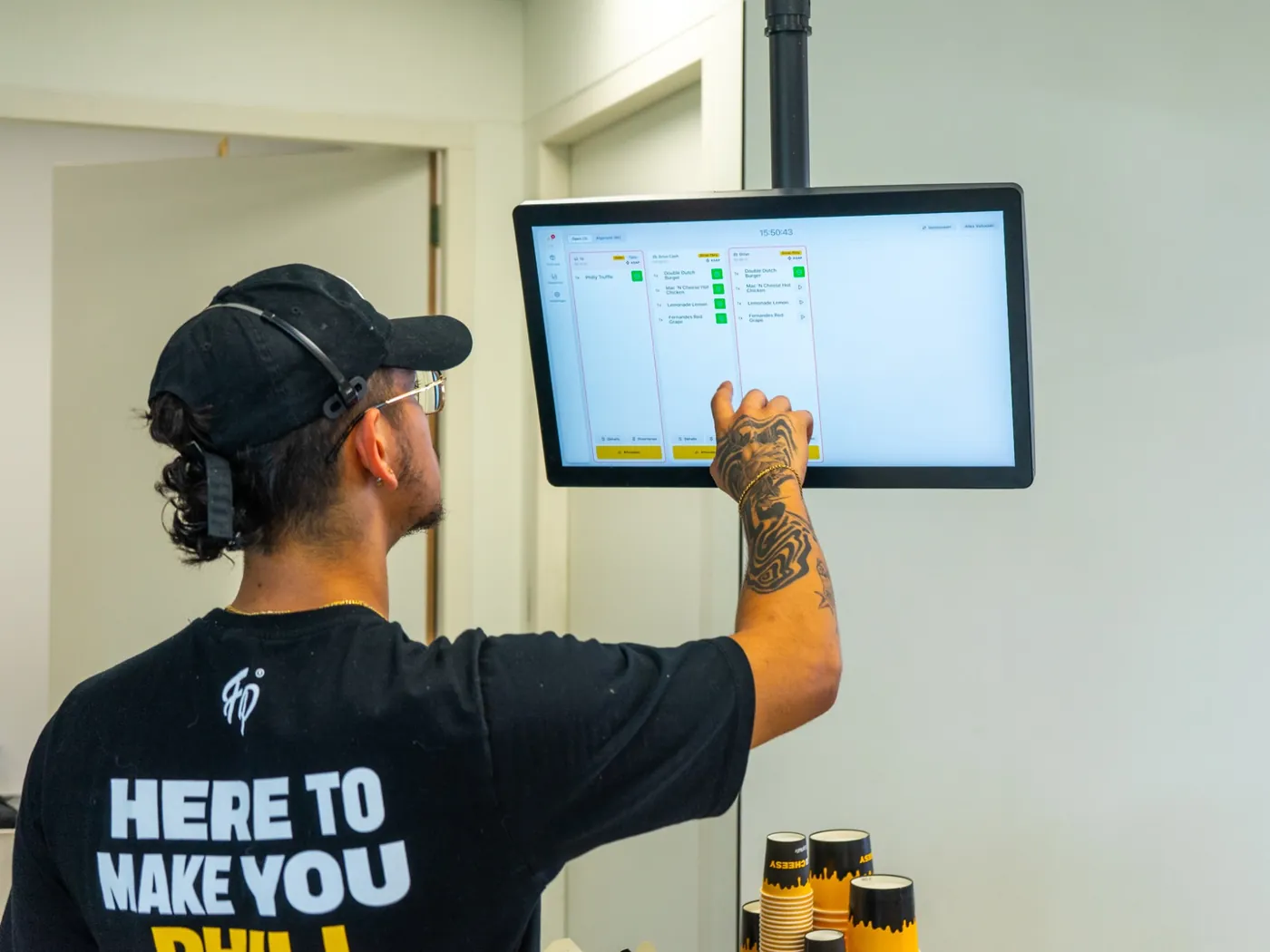
No separate admin: the order goes through your regular Onesix kitchen flow, on the Kitchen Display or via the kitchen printer. Only the service mode is different. Using another POS system? Then you link Onesix to it.
View Kitchen Display 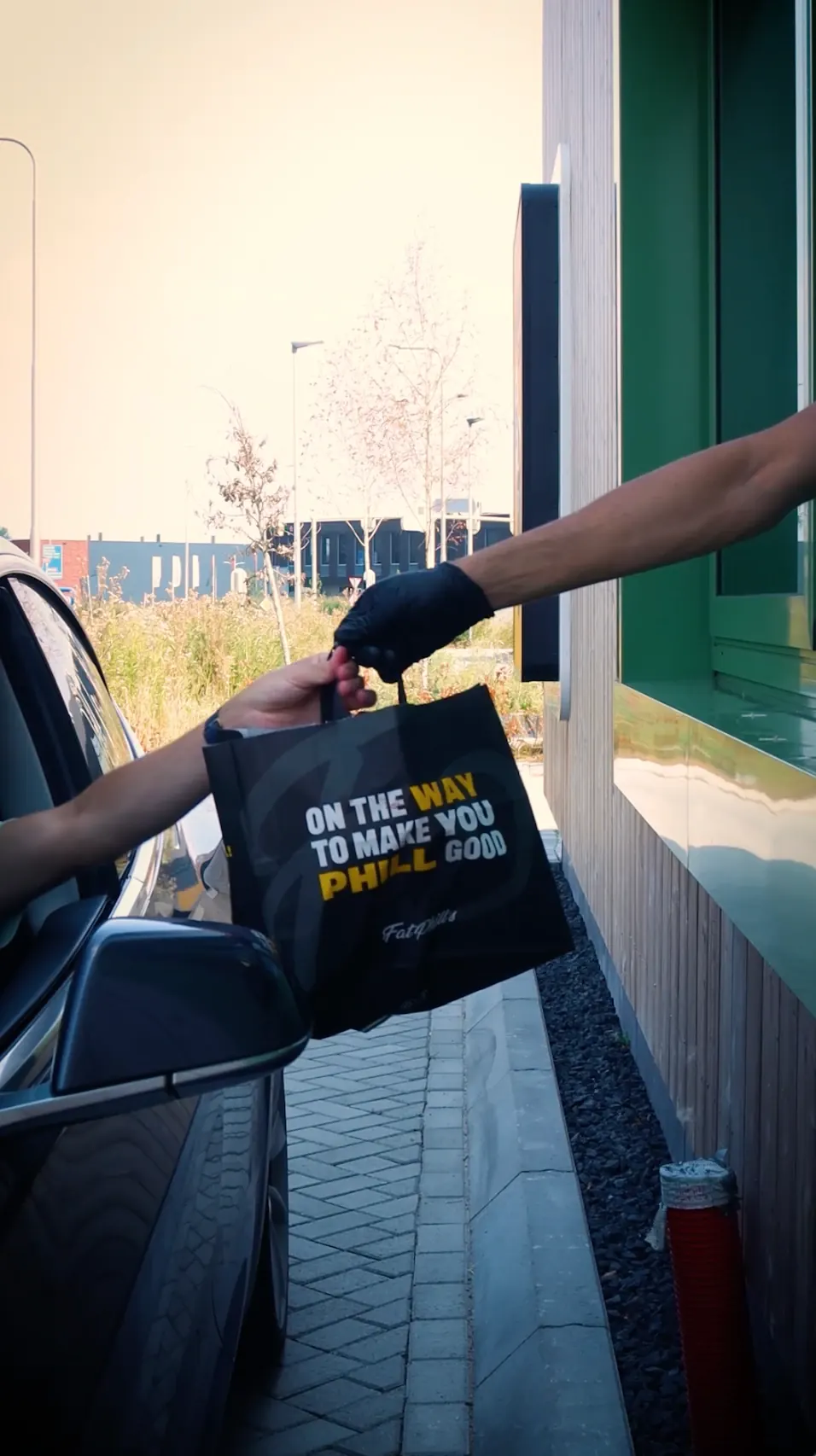
Ready? The order goes into the car at the counter. Your team sees on the tablet which Drive-Thru orders are open.
Test 30 days for free Orders from outside, inside and online come together in one dashboard, with your menu, stock and revenue. Drive-Thru orders show up as their own channel.
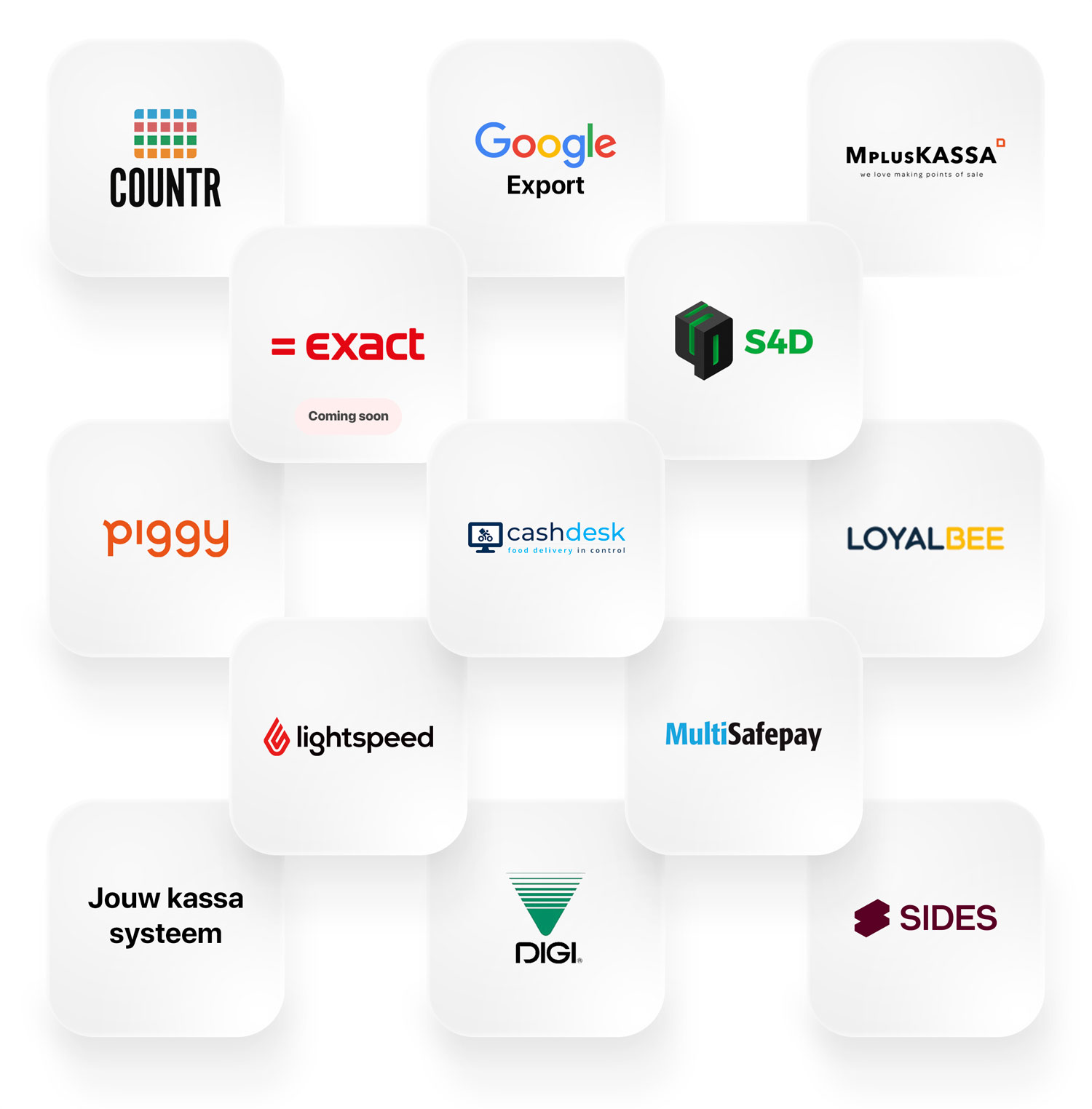
Already using a POS system? Then you link Onesix to it, for your Drive-Thru too. Orders from Thuisbezorgd and Uber Eats come in as well, all in one place.

Try for free
Proven +20% revenue
24/7 Premium service
Get all the info about your Onesix setup right away. Try it free for 30 days, cancel monthly and get the best 24/7 service.
No. Your guest orders via the intercom, your team member enters the order and your guest sees it live on the screen. Payment is by card at the terminal or in cash.
No. Drive-Thru orders run through the same Onesix POS and kitchen flow as all your other orders, just with their own service mode. You can filter them separately.
The full menu and, next to it, the order itself: products, quantities and options, surcharges, discounts, the total amount and the payment status. All live, so the order is right before your guest drives on.
The Onesix software you test free for 30 days, as always. The screens, intercom and payment terminal at the Drive-Thru are installed by an installation partner and are not part of the trial.