Enter your email address below.
6 min read...
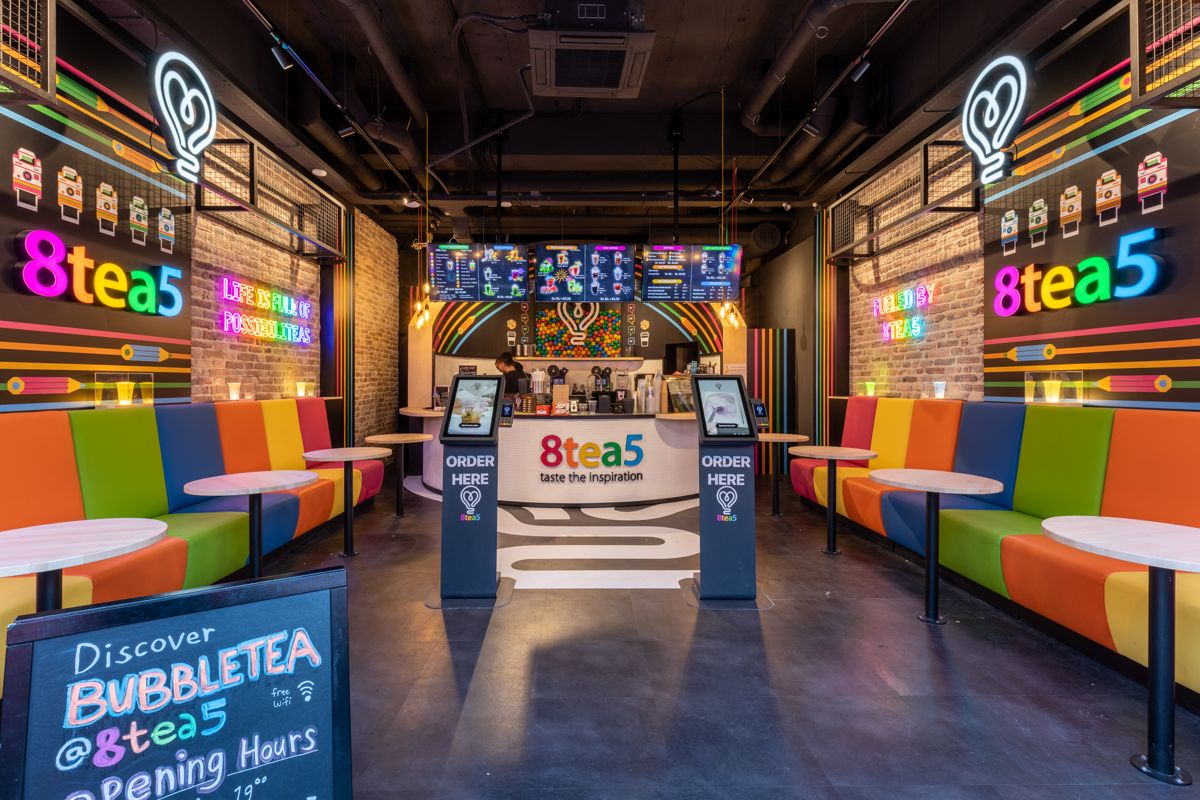
The tip jar next to your counter. A few years ago it was half full by closing time, now it holds a fifty-cent coin and a button. Not because guests appreciate your team any less, but because a coin in the jar only works if your guest is carrying cash. Tipping at a self-order kiosk fills exactly that gap: your guest pays digitally and leaves a tip in the same flow. Does it actually work? Yes, as long as you keep it low-key and sort out the agreements around it.
If your guest pays by card or phone, that has one effect you only notice when you empty the jar at the end of a shift:
Your team stays responsible for the guest experience, and agrees up front how digital tips get shared. Where a coin used to go into the jar, that moment moves to the screen.
Tips are one of the features you can switch on for the Kiosk. Your guest builds their order and sees the tip option during the digital payment step. No cash needed, and nobody has to be standing behind the counter. The tip is processed quickly and securely through the Kiosk. An option on screen can feel lower-threshold for guests, as long as the choice stays clearly voluntary.
How the tip option lands in your menu, and what’s possible in your setup, is something we’d rather walk through with you. Send us a message and we’ll go over it.
Two things change noticeably. First, appreciation becomes visible again: guests who want to leave something actually can. Second, digital tips leave nobody counting coins at the end of the night.
There is homework attached. Agree on the split before you start: does the whole shift get an equal share, or does the kitchen join in? Digital tips are processed through the payment flow. How you handle them in your books and split them across the team is something to settle with your accountant. Put it on paper up front and you’ll avoid arguments later.
Digital tipping isn’t a switch you flip and forget. A few things are worth thinking through:
Do you run short shifts with a lot of rotating staff? Then the agreement on splitting matters more than the feature itself. Make sure everyone knows where they stand before the first digital tip comes in.
A self-order kiosk usually comes in to shorten the queue and lift the average order. Tipping is a welcome side effect of that, not a goal in itself. Which is also the reason to wait with it until ordering itself runs smoothly. How to get that basis right is covered in this piece on kiosks in a takeaway.
Switching the feature on is the smallest part of the job. The rollout decides whether it keeps working:
One detail that’s easy to forget: tell your team a guest can now tip without anyone standing behind the counter. Otherwise you’ll get the question at the end of the shift about where that amount came from.
Can a guest tip without cash? Yes, that’s what the tip option on the Kiosk is for. Your guest adds the tip during the digital payment step, with no cash and nobody needed behind the counter.
Do I need to track digital tips separately? Digital tips are processed through the payment flow. How you handle them in your books and split them across the team is something to settle with your accountant.
Does this work with QR ordering too? Tipping belongs to the Kiosk. If your guests order through the Online Kiosk, it depends on your setup. Just ask us and we’ll check it for your venue.
Does the guest decide the amount? What your guest sees on screen depends on how the tip option is set up for your venue. We’ll go through that together.
Whether digital tips land with your guests is something you only know once you see it happen. You can test the Kiosk free for 30 days, no strings attached. Not for you? We’ll simply come and pick it up. Want to know which setup fits your venue first? Let us know and we’ll work it out together.

Wouter works as a Marketing Specialist at Onesix. This news site offers relevant articles for people working in or interested in hospitality, retail, and amusement parks.